

Independent Project
Video Editing Application
A video editing application developed to explore a more flexible editing workflow, with tools for arranging, adjusting and working with video clips.
- Creative Software
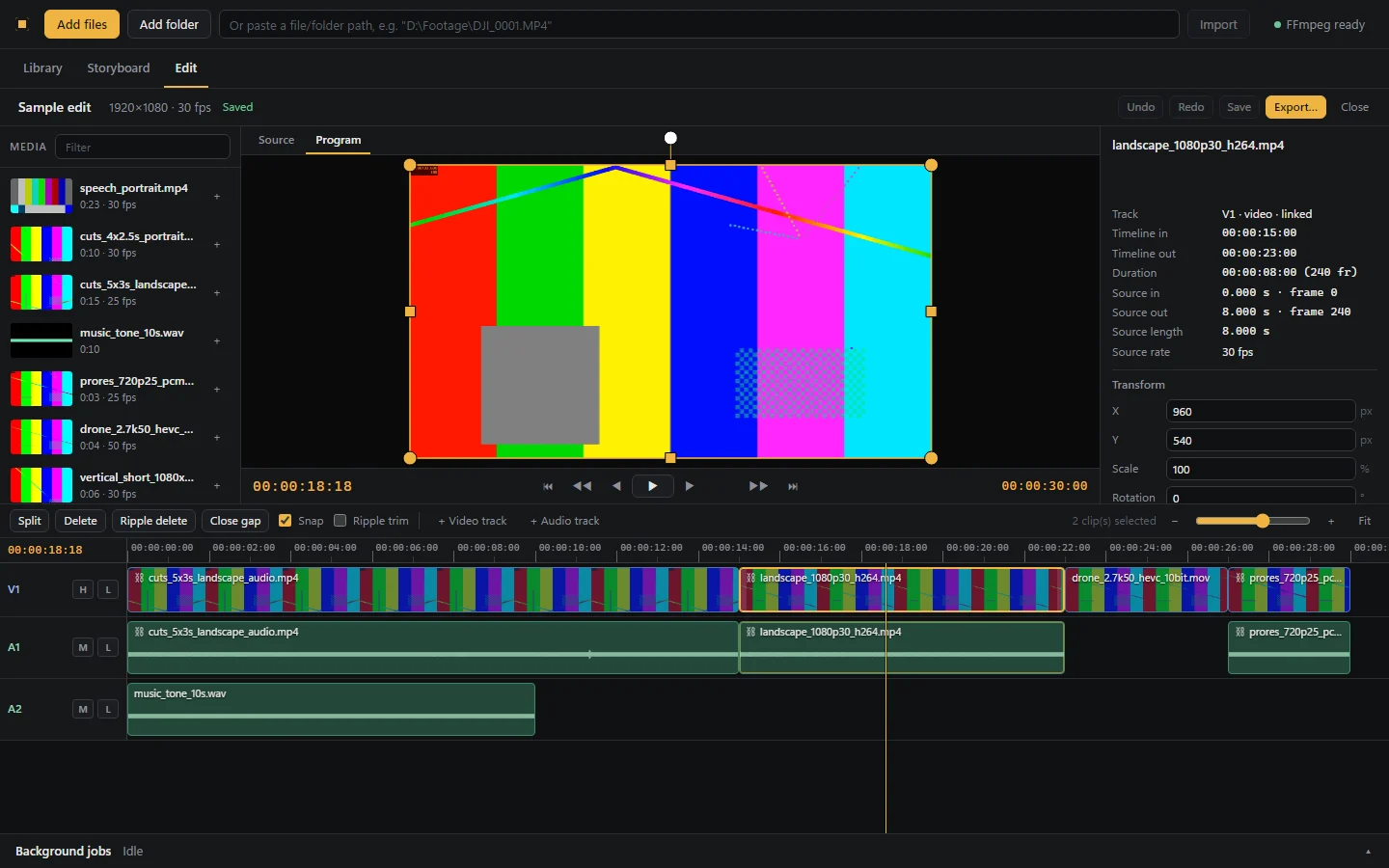
Overview
A desktop video editor that runs locally on Windows, built to explore an editing workflow from import through to export.
The problem
General-purpose editors can feel heavy for quick, focused edits, and their workflows are hard to adapt.
The solution
A purpose-built editor that covers the core editing loop, from organising media to a frame-accurate export, and can be extended step by step.
Features
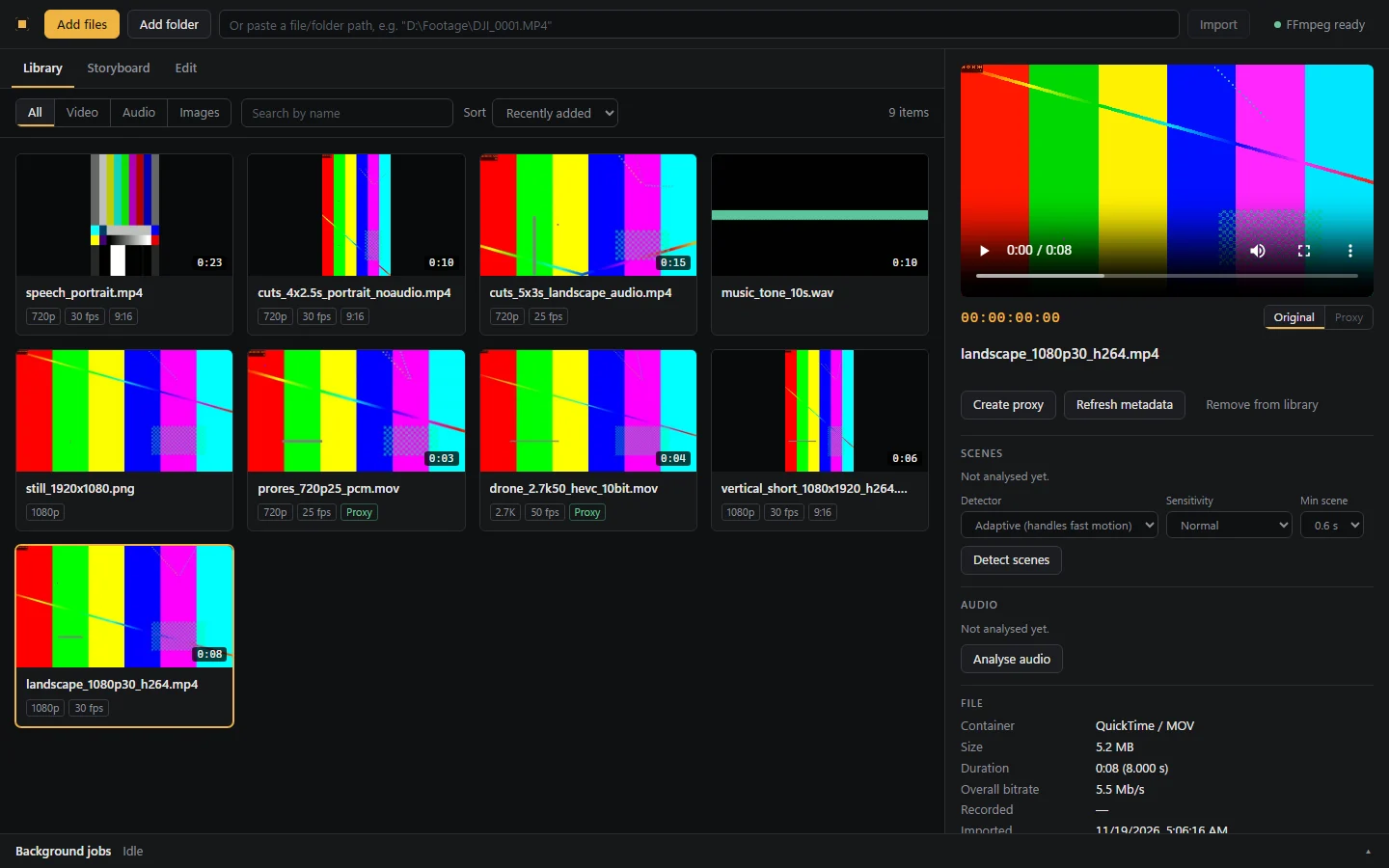
- Media library with import of files and folders, metadata and thumbnails
- Preview with automatically generated proxy files for smooth playback
- Scene detection and audio analysis, with a filterable storyboard
- Video and audio timeline with drag, trim, split, and undo and redo
- J/K/L shuttle control, ripple delete and gap removal
- Source monitor with in and out points, plus insert and overwrite edits
- Audio fades and equal-power crossfades
- Frame-exact H.264 and AAC export, with hardware-accelerated encoding where available
Approach
Built in milestones, each adding a complete part of the editing workflow with its own tests. It is still in development and is not a production release.
Screenshots
Have an idea? Let's make it happen.
Whether you need a digital solution, smarter workflows or practical technology training, let's start a conversation.